Till, stock and books: why they disagree at month end
At month end the till, the stock and the books give three different numbers. Where the gaps come from in a shop, and how FlexiERP ties the three together.
On the last evening of the month, a store manager counts the cash drawer while the accountant waits for the sales summary. The till software shows one total and the card terminal shows another. The stock file says there are still a few units of an item nobody can find on the shelf. When the business runs several shops, each one sends its own spreadsheet, in its own layout, with its own habits.
Nobody has cheated. The three numbers were kept by three tools that do not talk to each other, and month end is when you find out how far apart they have drifted.
Why the three numbers never meet
The till records a sale, but it does not always know which stock the item came out of. Stock gets updated later, sometimes by hand, sometimes from an export. Accounting receives a monthly total and posts it in one block, without the detail that would lead back to a single receipt.
In between, plenty happens that is not a sale. A customer brings an item back and gets a refund, and the item sits in the back room because nobody puts it back into stock. A box goes over to help out the other shop, noted in a notebook. Something falls, breaks and ends up in the bin. Each of these makes sense at the time. Added together, they are the gap you go looking for on the 31st.
A till sale, entered once
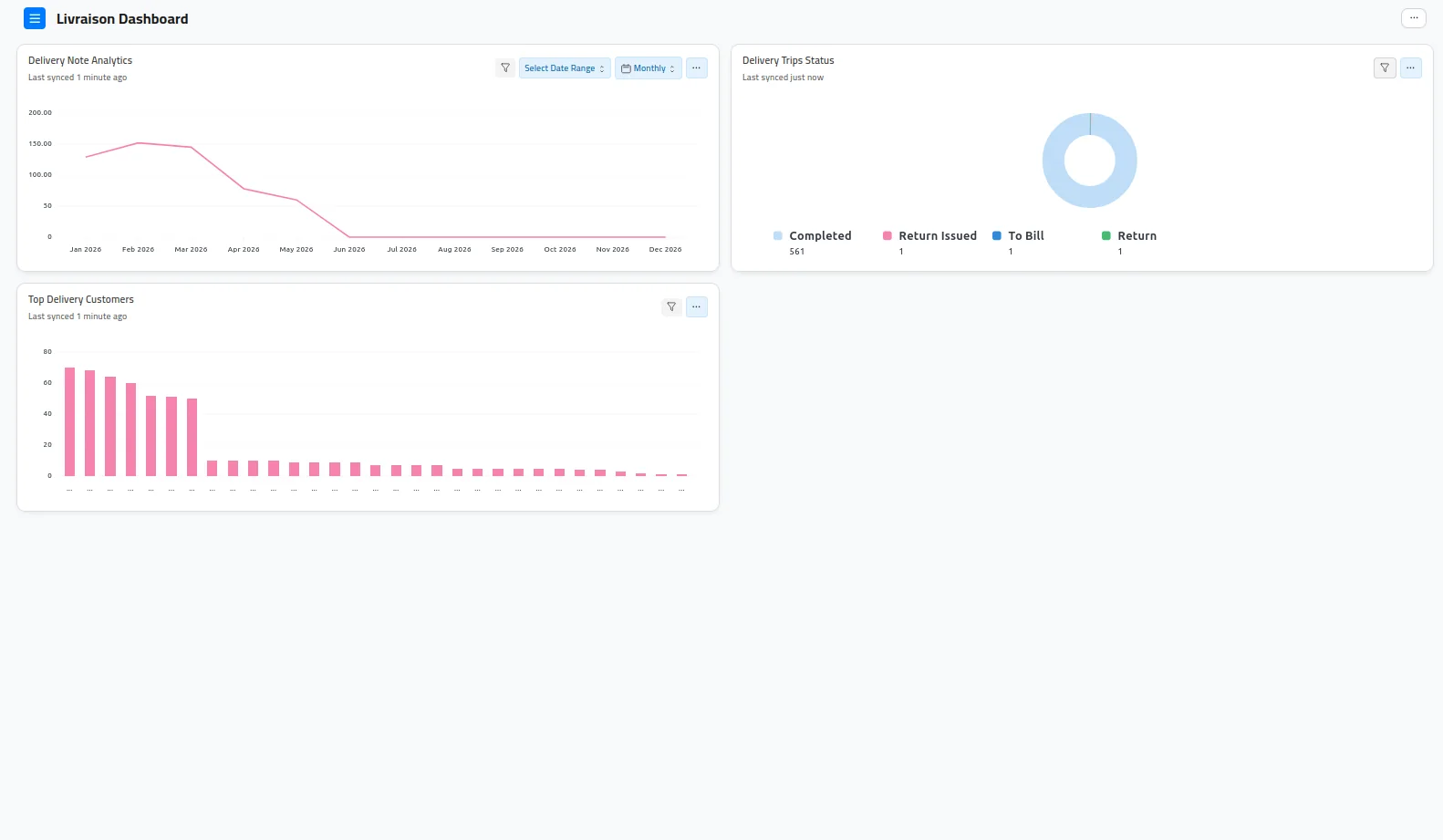
In FlexiERP the point of sale is part of the same application as stock and accounting. Each till has its own profile: the warehouse it sells from, the price list, the payment methods it accepts (cash, card, cheque, transfer) and the VAT it applies. The sale leaves the right shop’s stock the moment it is made, and the sales dashboard sees it at the same moment.
A shift opens with a cash float and ends with a closing. The cashier enters what is really there in cash, cards and cheques, and FlexiERP works out the difference with the recorded sales. If there is one, it gets explained on the spot, while everyone still remembers the day. Once the store manager approves the closing, the accounting entry is posted on its own. The accountant no longer waits for a summary; they read sales already in the books, till by till.
A recorded sale is not wiped out. If it has to be undone it is cancelled, and the record of it stays visible.
Returns, transfers, breakage: the movements people forget
This is where most gaps start, and where having a document for each movement matters. A return is tied to the original delivery, which keeps track of the share returned, and when the sale was invoiced, a credit note corrects the invoice instead of someone editing it by hand.
Helping out another shop goes through a transfer request and then a stock entry: one shop loses the quantity, the other gains it, at the same value. Breakage or loss leaves stock through an entry that carries its reason, which is exactly what you want to find again on audit day. After a count, the stock reconciliation compares the counted quantity with the system’s and posts the difference to the accounts. A stock closing date then blocks backdated entries on the period that has been closed.
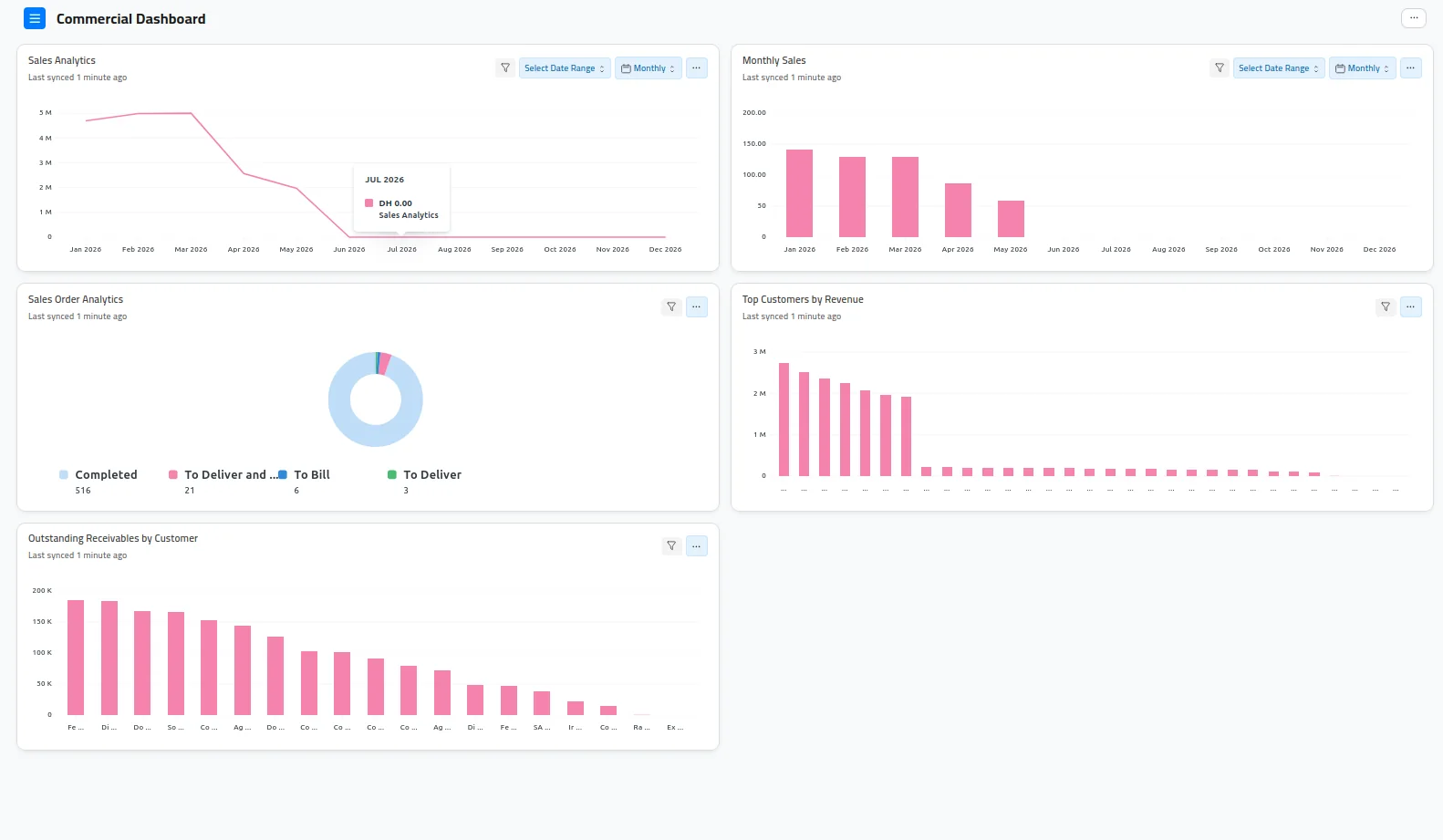
The stock balance by warehouse shows what is left in each shop, and management follows sales, stock and margin per store without waiting for everyone’s spreadsheets.
Invoices for business customers
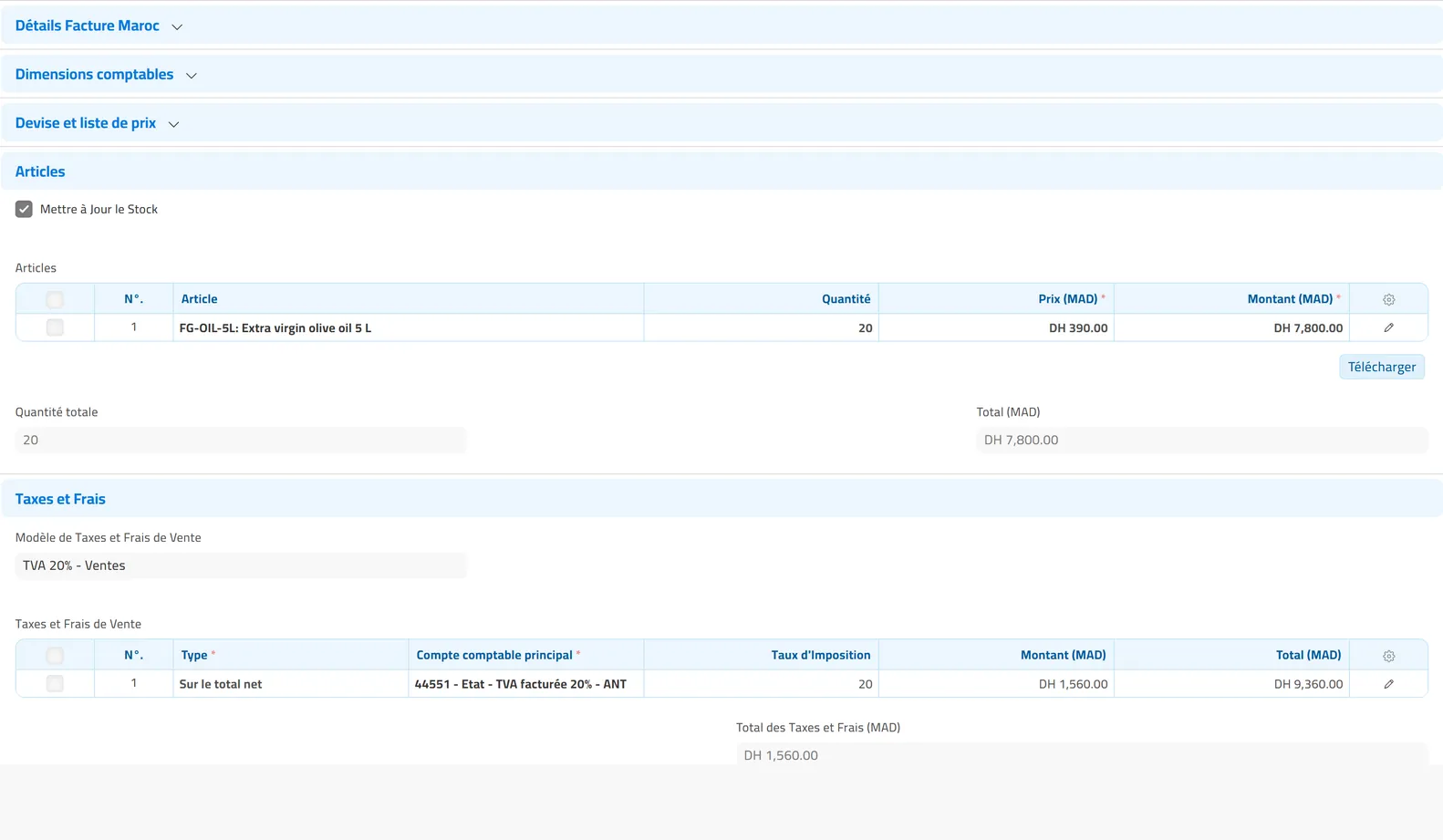
A trade customer buying at the counter often leaves with an invoice, and that one matters to the tax administration. It has to carry their ICE, VAT shown separately and a number in a continuous series. The DGI has announced, pending its decree, electronic invoicing: a model in which every invoice is checked by its platform before it reaches the customer, starting with sales between businesses; the calendar will be set by the decree. An invoice drawn from a sale already recorded, for a customer whose record is complete, is the kind of data that gets through that check. FlexiERP keeps that data structured and complete, and FlexiGlob sets up the connection with the tax platform as part of the deployment, once the format is published.