Why the same sale gets typed again in every department
One sale often exists in five versions across sales, warehouse and accounting. Where the copies come from, and what entering it once changes.
A customer calls to ask where an order stands. The salesperson checks a spreadsheet and says it has left. The warehouse has no trace of a delivery. Accounting has not seen an invoice. Nobody is lying and nobody is careless. Each of them is reading a different copy of the same sale.
Where the copies come from
Follow an ordinary order through a company that runs on separate tools. The salesperson types it into a spreadsheet, then sends an email to the warehouse, because the warehouse does not open that spreadsheet. The storekeeper notes the quantity again in the stock file. Later the accountant retypes the sale in the accounting software, working from whatever paper reached the desk. At the end of the month someone assembles a summary for management from several of these sources.
That makes five versions of one sale, typed by different people at different moments. No one decided to organise the company this way. Each file was a sensible answer to a local problem when it was created: sales wanted a follow-up list, the warehouse had to know what was left on the shelves, accounting had its books to keep.
What retyping does to the working day
The obvious cost is the time spent typing the same thing. For a director, the less visible costs tend to weigh more.
Every copy can carry its own mistake. A quantity is misread in an email, a customer’s discount does not make it to the invoice, a partial delivery gets recorded as complete. These slips are small and quite normal when people copy by hand. The trouble is that they surface far from where they happened, often when a customer disputes an invoice or when a count does not match the file.
Copies also age at different speeds. The order changes over the phone, the salesperson updates the spreadsheet, and the email that went to the warehouse stays as it was. From that moment two departments are working in good faith on two different orders.
Then people start to compensate. They call each other to check, they keep a private file just in case, and they stop trusting any figure they did not type themselves. A fair part of the day goes into confirming what the company already knows.
What “entered once” means in FlexiERP
In FlexiERP the salesperson enters the order, with the quote, the payment terms and the customer’s discount in one place. It is the only entry in the whole story, and the other departments work from that record. Here is the same order, desk by desk:
- Production: if the item has to be made, the work order starts from the sales order, with its bill of materials and its materials reserved.
- Stock: the storekeeper prepares the delivery note from the order, and the stock movement records itself.
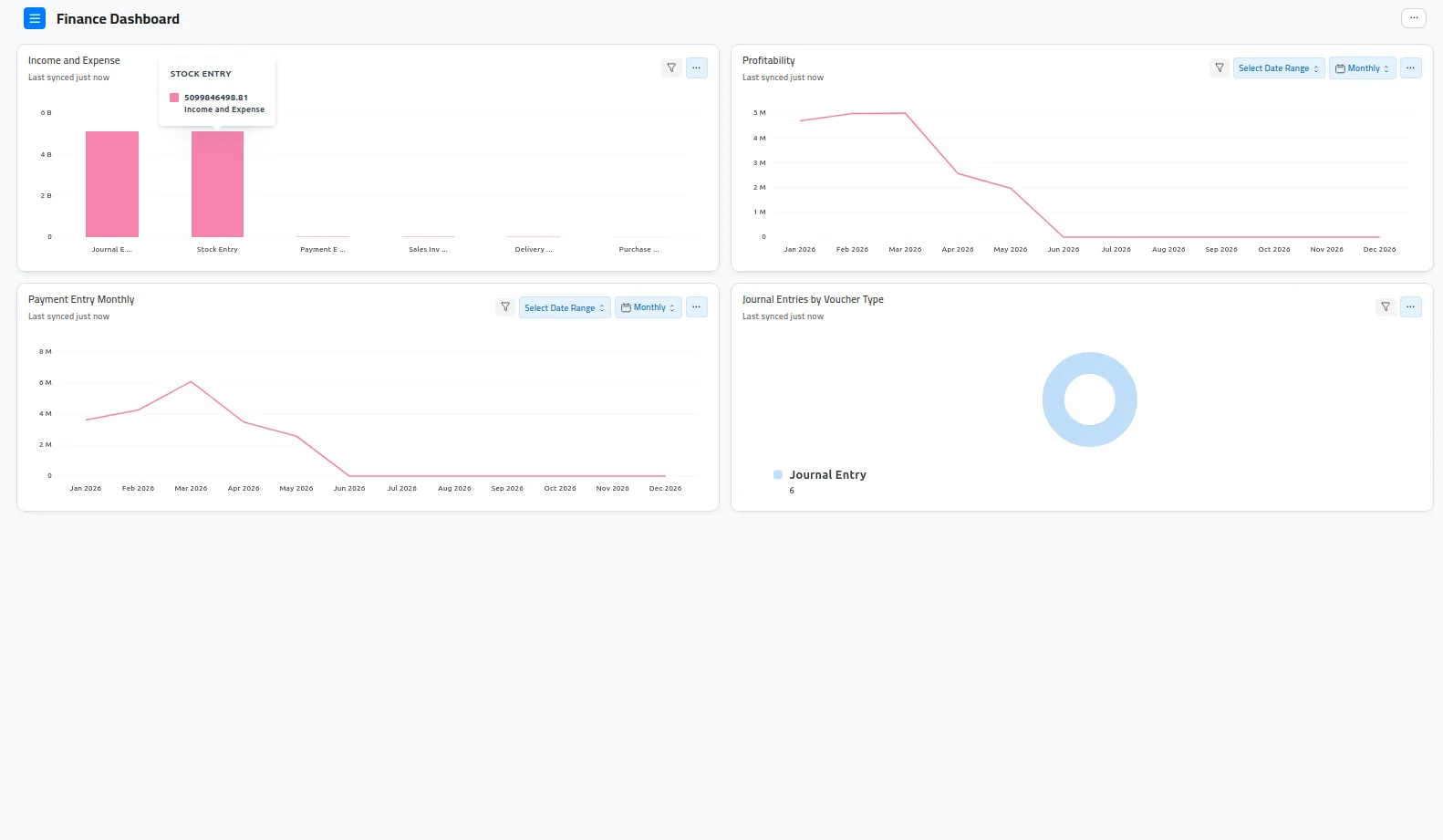
- Accounting: the invoice comes from the delivery note, and the accounting entry with it. The accountant checks it and does not retype it.
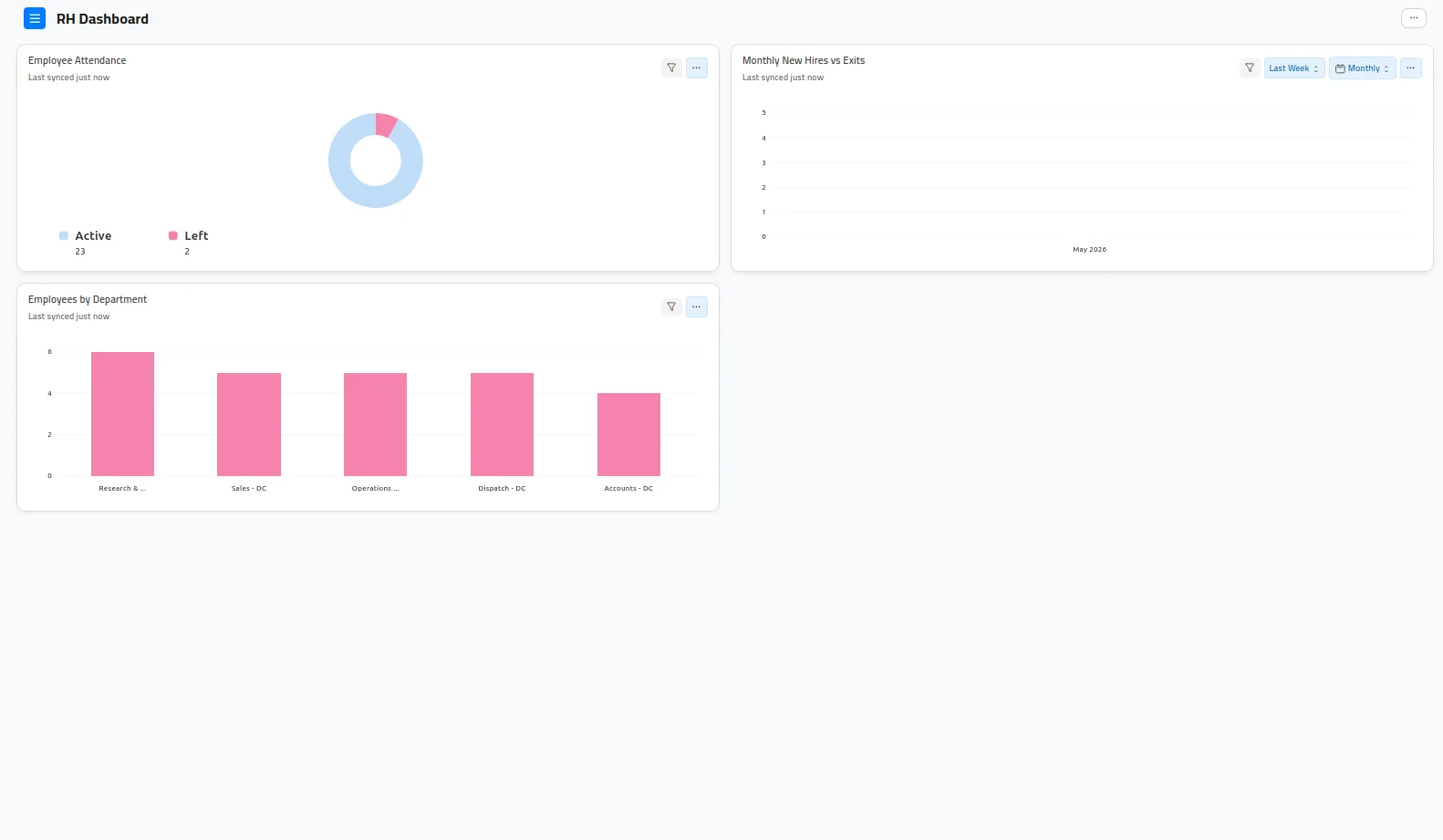
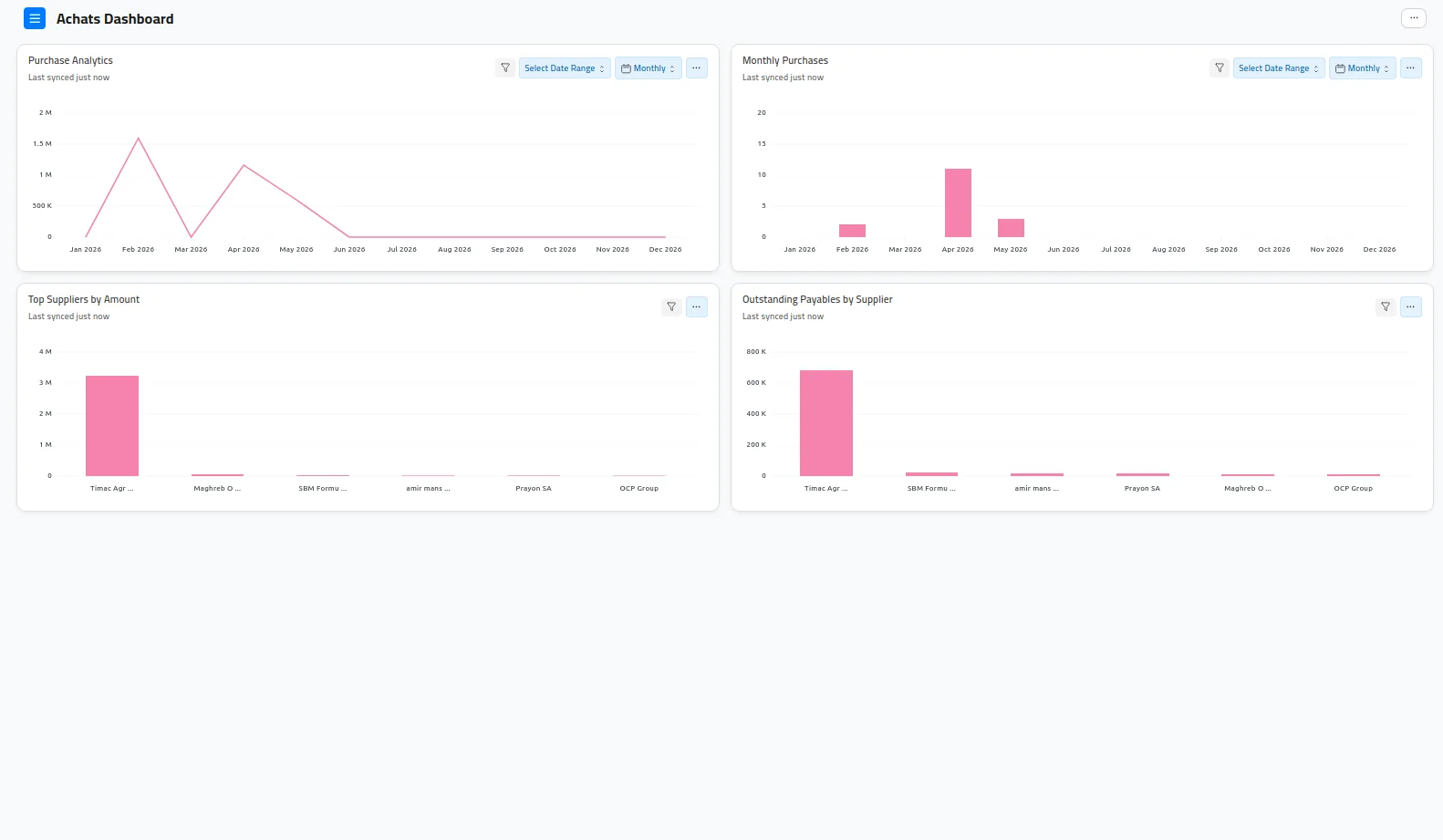
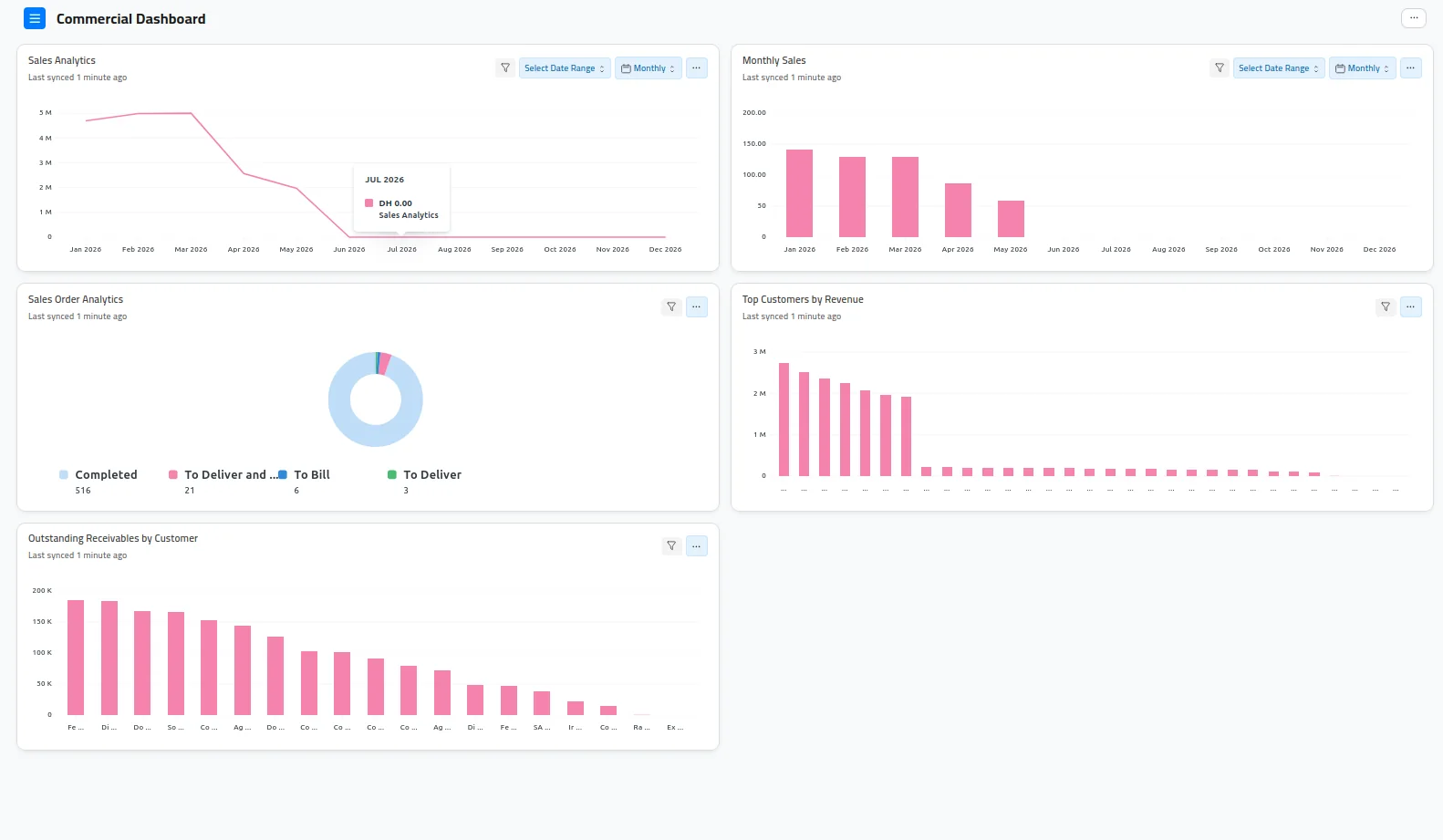
- Management: revenue, receivables and stock are up to date on the dashboard, with no need to wait for the month-end summary.
Everyone keeps their job. The storekeeper still prepares the goods and the accountant still checks the entries. What goes away is the typing of information that already exists somewhere in the company.
Does everyone then see everything?
Directors often ask this one, and with reason. One shared record does not mean open access. Each job sees its own screens and nothing else, and the company decides its own approval paths and thresholds. A storekeeper has no reason to open payroll, and in FlexiERP they would not find it on their screens.
Every change is also kept in an audit trail. When a quantity is corrected after the fact, you can see who did it, which is hard to establish when the correction was made in someone’s personal file.
As for the phone call at the start, the salesperson now reads the order status on screen. Warehouse and accounting are looking at the same status.