How to stop learning about shortages from the workshop
A shortage is often known too late, once the line needs the material. How reorder alerts, one purchase path and approval thresholds change the buyer's job.
The workshop is ready to start a job and the material is not there. The storekeeper thought it had been ordered. The buyer did not know it was running low. So someone calls a supplier and asks for the fastest delivery available, at whatever price comes back, and the production plan gets moved around in the meantime.
Purchasing directors know this scene well, and they also know it usually gets blamed on the wrong person. The buyer can only order what they have been told about.
Why a shortage is noticed so late
In many companies the information a buyer needs lives in other departments. What is left on the shelf is in the stock file, and it is only as fresh as the last time somebody updated it. What the workshop will need next is in a production plan. What sales has just promised is in a salesperson’s spreadsheet. A buyer who wants a full picture has to go around asking, and the people asked are busy.
Requests add to the confusion. A need arrives by email, by phone or in a hallway conversation, then gets lost or arrives twice. When the same material is requested by more than one person, the company may run short and over-order in the same month.
An alert on minimum stock
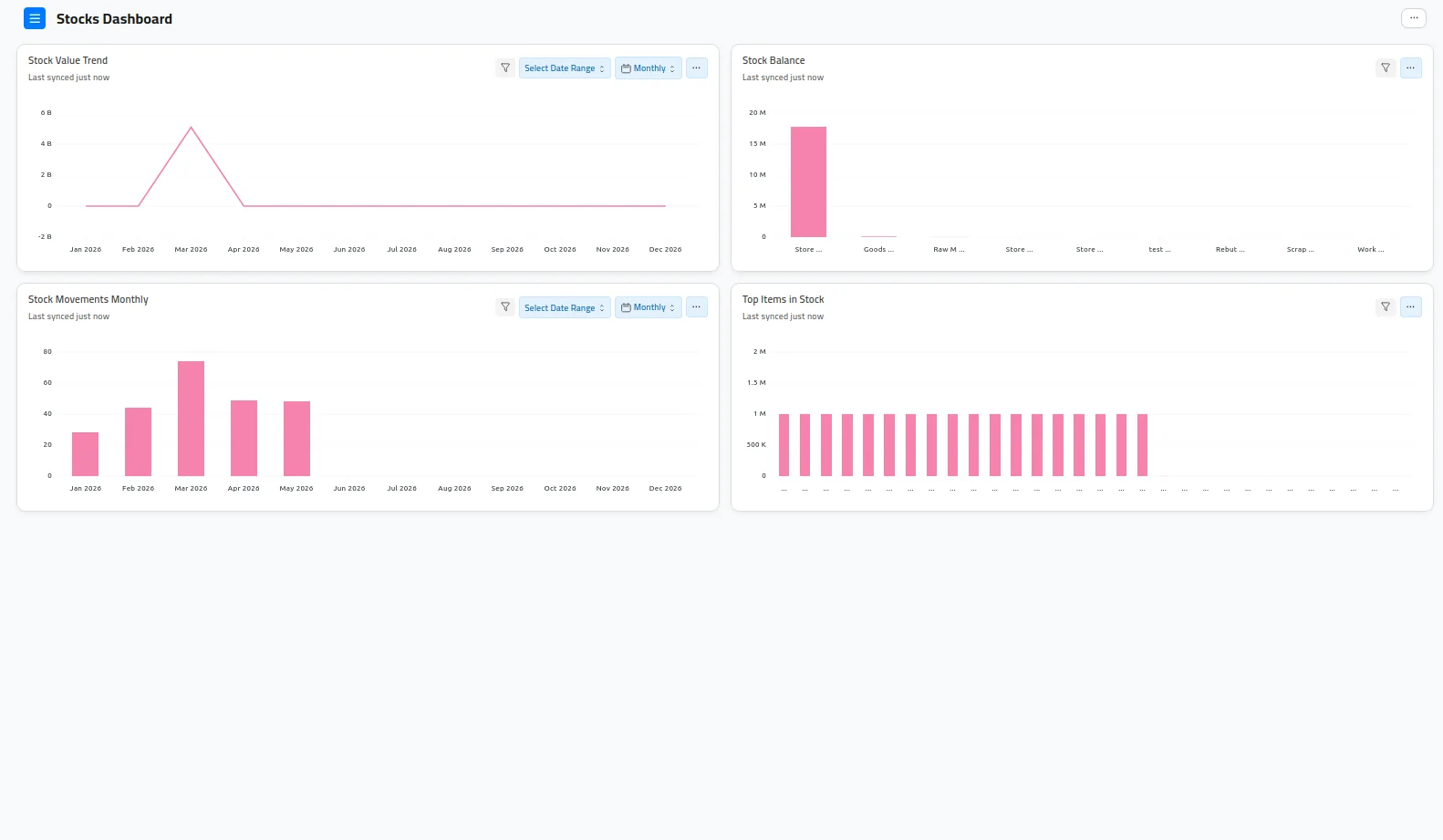
FlexiERP sends reorder alerts on minimum stock. The company sets the minimum for an item, and when stock falls below it, the alert appears. Because stock movements are recorded as goods come in and go out, the level being watched is the one the warehouse is really working with.
The production side adds to this. When an item has to be made, the work order starts from the sales order, with its bill of materials and its materials reserved. So the need for materials can be read from what has been sold.
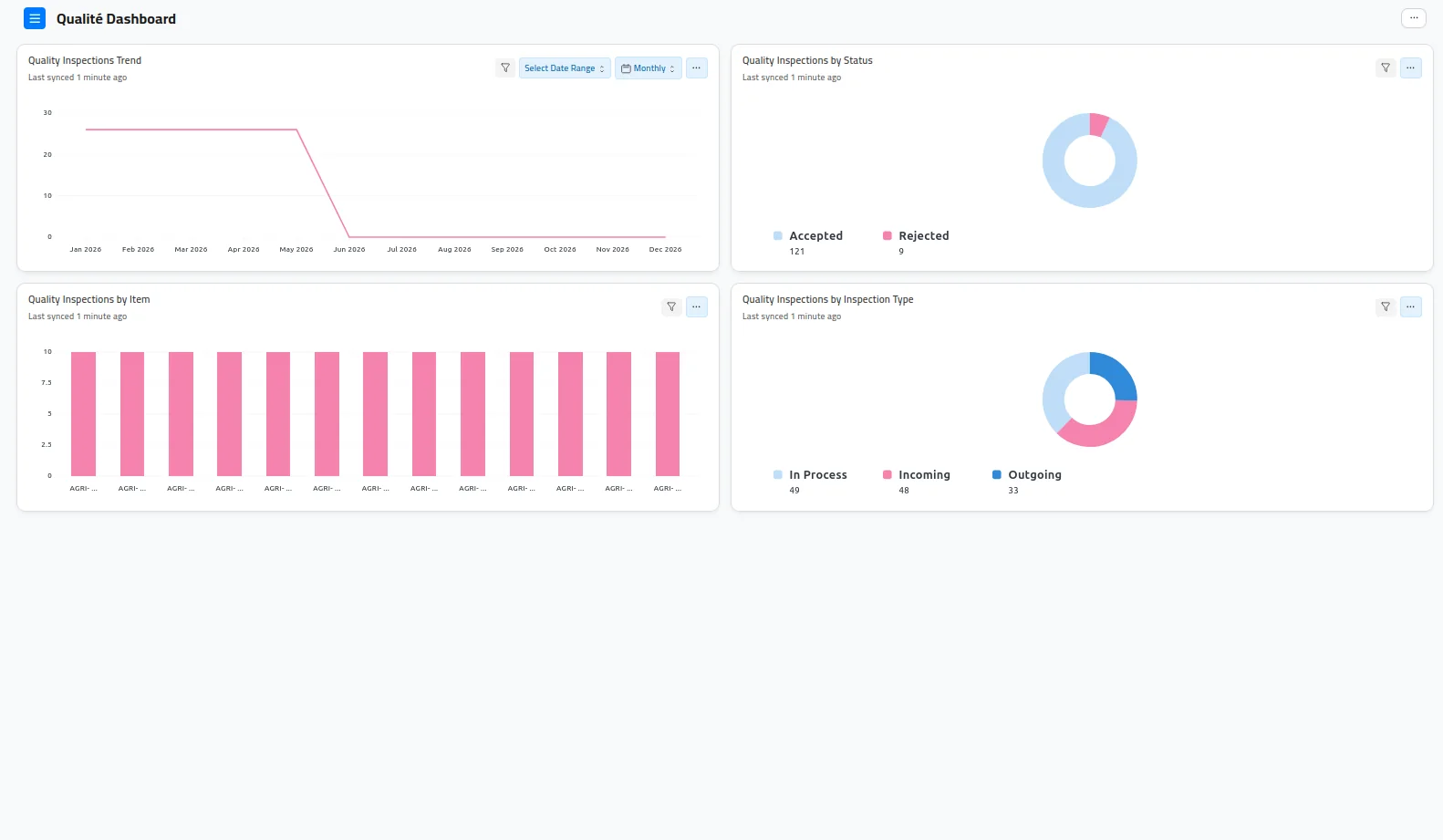
An alert is only a prompt. Somebody still has to decide how much to order and from whom, and a minimum that was set badly gives a bad signal. Those minimums deserve some thought with the people who know each material, which is part of what the department workshops are for.
One path from the request to the invoice
Purchasing in FlexiERP runs along a single path: request, supplier quotation, purchase order, receipt, invoice. Every stage is a record that follows from the previous one, so the question of where an order stands has one answer, readable by the buyer, the storekeeper and finance.
Several suppliers can be attached to an item, which helps on the day your usual source cannot deliver. A quality inspection can take place at receipt, so a bad delivery can be caught before it reaches production.
Approving without signing piles of paper
General managers often find themselves signing piles of purchase orders, most of them routine, with little time to look at any one of them. With FlexiERP, approval paths and thresholds are set by the company. Orders above the level you choose come to the person you choose, on screen, and the rest move on. Your attention goes to the amounts that deserve it, and when a threshold is crossed, an alert can tell you so.
Each job also sees its own screens, and every change remains in the audit trail. If a price on a purchase order was changed after the quotation, you can find out who changed it.
What the purchasing dashboard shows
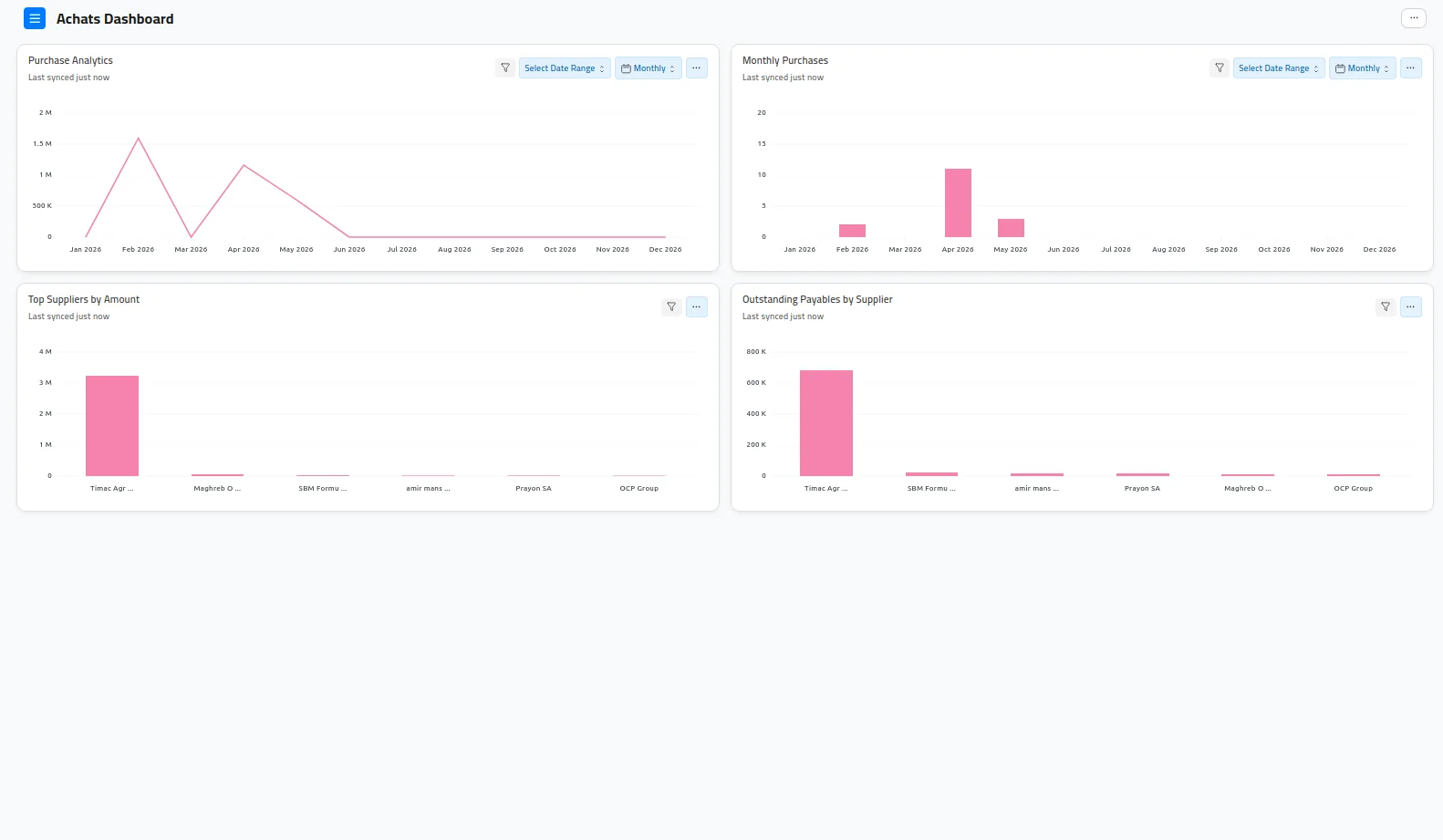
The purchasing dashboard shows spending by category, pending orders and the suppliers being followed. A purchasing director can see at a glance what is on its way and where the money is going. And because that dashboard reads the same data as stock and production, a head of operations asking about a late material gets an answer from the record itself, without having to start another round of phone calls.